Simplify Procurement & Sales with One Unified Module
Streamline your entire procure-to-pay and order-to-cash cycles with SBOSS ERP's powerful Buying & Selling Module — designed for accuracy, control, and real-time business visibility.
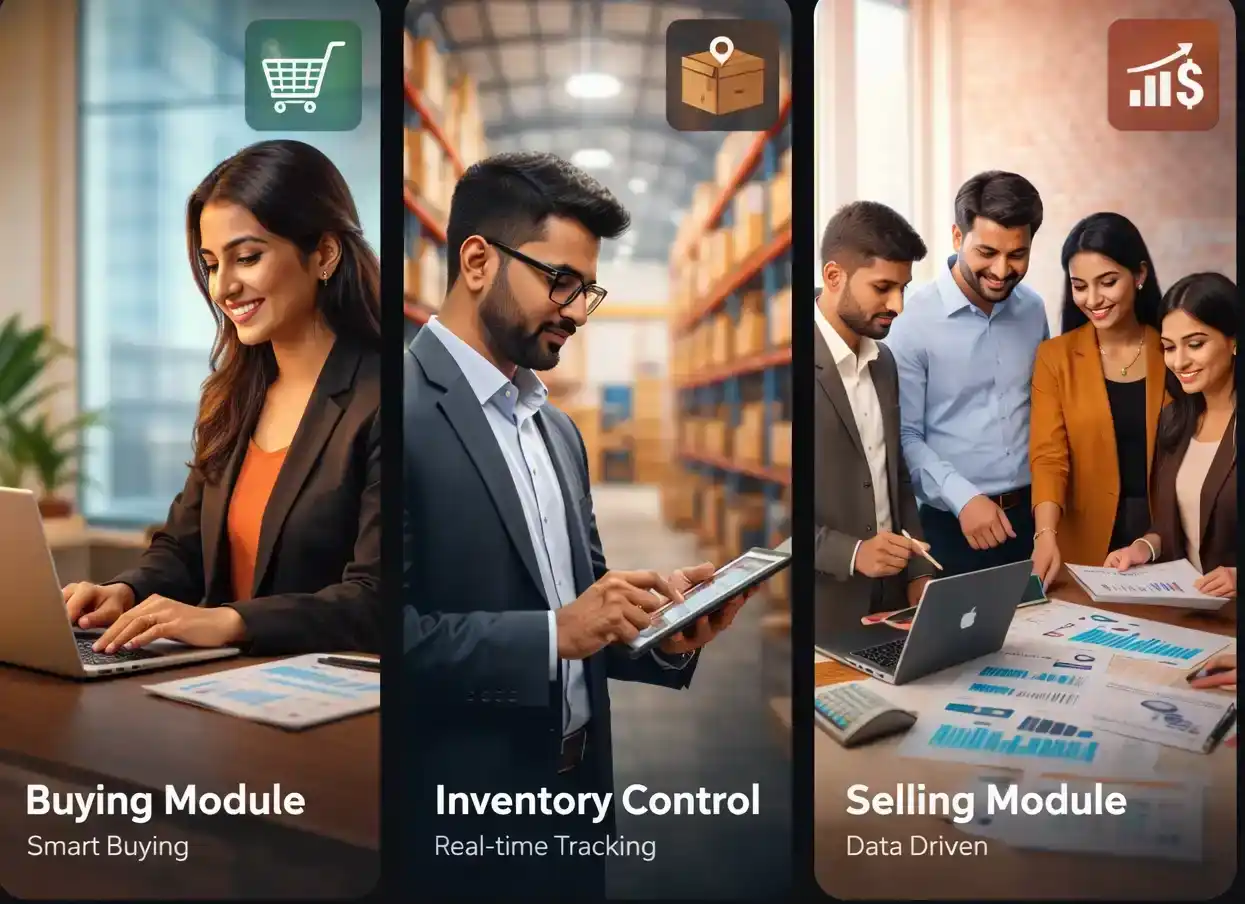
Are These Challenges Slowing Down Your Business?

Are These Challenges Slowing Down Your Business?
Lack of visibility in procurement and sales processes
Limited real-time tracking of purchase orders and sales pipelines.
Manual errors in purchase orders, invoices, and stock tracking
Data entry mistakes leading to incorrect billing and inventory counts.
Poor supplier and customer performance tracking
No centralized system for evaluating vendor reliability and pricing.
Disconnected systems causing delays and revenue leakage
Siloed data between procurement, sales, and finance teams.
The Buying & Selling Module in SBOSS ERP
A fully integrated system that manages:
Manages
End-to-end procurement workflows
Complete sales lifecycle
Seamless integration with Inventory, Accounting, CRM, Manufacturing, and Quality
This Ensures
Real-time data synchronization
Improved operational efficiency
Data-driven decision making
Procurement • Supplier Management • Purchase Transactions
Introduction to the Buying Module
The Buying Module manages the complete procure-to-pay cycle, from identifying material requirements to supplier payment.
Key Benefits
Procurement Workflow Overview
Buying Module Setup
Buying
Module
Setup
Master
Group
Settings
Supplier Master
Centralized supplier database with:
- Supplier Name & Group
- Country & Currency
- Payment Terms
- Tax ID / GSTIN
- Payment Hold option
- Supplier Scorecard
- Accounts Payable Account
Supplier Group
- Categorize suppliers (Raw Materials, Services, Imports)
- Hierarchical grouping for reporting
- Improved analytics and control
Buying Settings
- Enforce Purchase Order before Invoice
- Require Purchase Receipt before billing
- Maintain consistent pricing across transactions
- Control duplicate items
- Manage rejected goods billing
- Default price list settings
Managing Your Procurement Workflow
From Material Requests to Supplier Scorecards, every step of the procure-to-pay cycle is covered — with full traceability and control across your procurement operations.
Material Request
Initiates procurement or stock movement.
Types:
Request for Quotation (RFQ)
- Send RFQs to multiple suppliers
- Email integration
- Supplier portal responses
- Track quote status
- Link to Material Requests
Supplier Quotation
Capture supplier offers including:
- Pricing & item details
- Validity period
- Taxes & shipping rules
- Payment terms & conditions
Purchase Order (PO)
A legally binding document confirming purchase.
Statuses:
Key Fields:
- Supplier & Order Date
- Delivery timelines
- Warehouse
- Taxes & Discounts
- Payment Terms
Purchase Receipt
- Record goods received
- Update stock automatically
- Support partial receipts
- Track rejected items
- Enable quality inspection
- Add landed costs
Purchase Invoice
- Record supplier billing
- Post accounts payable entries
- Manage cash purchases
- Handle debit notes
- Apply discounts & advances
Purchase Return
- Return defective or excess goods
- Reverse stock and accounting entries
- Generate debit notes
Supplier Scorecard
Evaluate suppliers based on:
- Delivery performance
- Quality metrics
- Response time
- Invoice accuracy
Buying Reports
Customers • Quotations • Orders • Delivery • Invoicing
Introduction to the Selling Module
Manages the complete order-to-cash cycle:
Sales Cycle Overview
Selling Module Setup
Selling
Module
Setup
Master
Group
Rules
Settings
Customer Master
Stores customer details:
- Name & Group
- Territory
- Currency & Price List
- Credit Limit
- Payment Terms
- Accounts Receivable
- Sales Team
Customer Group & Territory
- Categorize customers
- Define geographic sales regions
- Enable targeted pricing and analytics
Price Lists & Pricing Rules
Flexible pricing system:
- Customer-specific pricing
- Group discounts
- Quantity-based pricing
- Promotional campaigns
- Time-based validity
Selling Settings
- Enforce Sales Order before delivery
- Require Delivery Note before invoicing
- Maintain consistent pricing
- Enable price overrides
- Validate selling below cost
- Default price list configuration
Selling Reports
Managing Your Order-to-Cash Workflow
From Quotations to Sales Returns, every step of the order-to-cash cycle is covered — with full traceability and control across your sales operations.
Quotation
Create proposals with pricing and terms.
- Create proposals with pricing and terms
- Set validity period
- Apply discounts & taxes
- Link to campaigns
Sales Order (SO)
Confirmed customer order.
Statuses:
Key Features:
- Convert from quotation
- Partial delivery scheduling
- Stock reservation
- Auto procurement triggers
- Production integration
- Drop shipping
- Blanket orders
- Inter-company linking
Blanket Order
- Long-term agreements
- Predefined pricing
- Track order consumption
- Validity-based contracts
Delivery Note
- Record product dispatch
- Reduce inventory
- Support partial deliveries
- Generate pick lists & packing slips
- Capture customer acknowledgment
Sales Invoice
- Generate customer bills
- Create receivable entries
- Handle returns (credit notes)
- Apply discounts & advances
- Loyalty points support
Sales Return (Credit Note)
- Manage returned goods
- Reverse delivery and invoice
- Restore inventory
Sales Partner & Commission
- Manage agents and distributors
- Define commission rates
- Auto-calculate commissions
- Generate commission reports
Sales Person & Targets
- Assign multiple salespersons
- Track performance
- Set sales targets
- Split credit percentages
Integration with Other Modules
Seamless connectivity across:
Inventory
Stock updates & reservations
Accounting
AP & AR entries
Manufacturing
Production planning
CRM
Leads to sales conversion
Quality
Inspection workflows
Projects
Cost tracking
HR/Payroll
Commission integration
Common Scenarios & Tips
Drop Shipping
Ship directly from supplier to customer without warehouse involvement.
Advance Payments
Handle advance payments for both buying and selling.
Credit Limit Enforcement
Prevent over-credit sales with configurable limits.
Landed Cost Voucher
Accurately distribute import costs like freight and duties.
Inter-Company Transactions
Automate transactions between multiple company entities.
Blanket Orders & Contract Pricing
Manage long-term contracts with controlled pricing and quantities.
Take Control of Your Buying & Selling Operations Today
Empower your business with SBOSS ERP's intelligent automation, real-time insights, and seamless integrations.